05 · Project
Thrive Ventures
Mobile Design · Design Competition · Accessibility
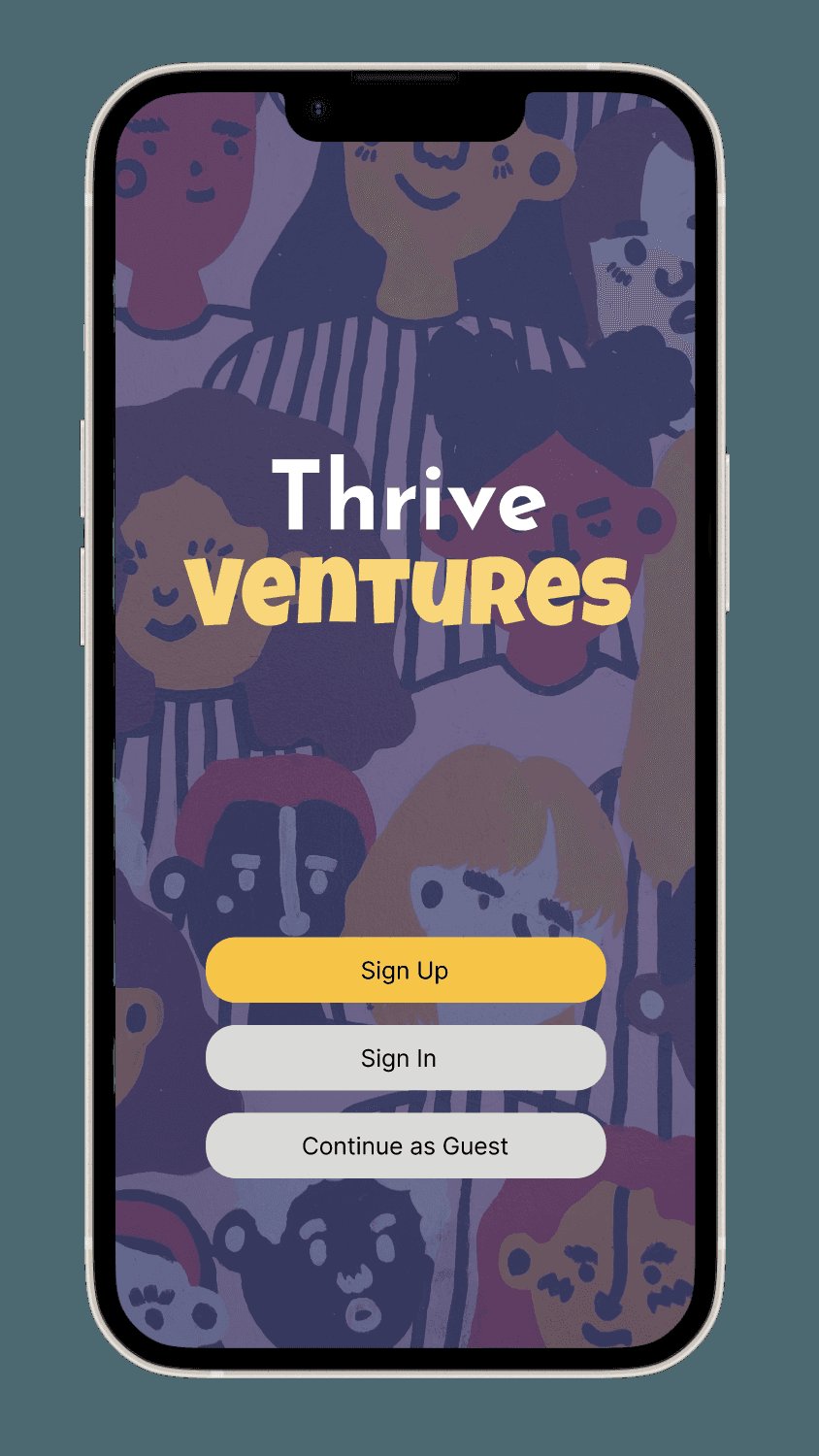
An app supporting formerly incarcerated individuals as they reintegrate: resources, community, events, and an AI-powered guide.
01
Context
A design competition brief asked us to serve an underrepresented community. We chose people rebuilding their lives after incarceration.
- Role
- UX Designer
- Duration
- 3 months
- Tools
- Figma, FigJam
- Type
- Design competition (mobile app)
Everyone deserves a second chance, yet systemic barriers around employment, housing, and support networks make reintegration isolating and discouraging. We wanted a product that offered practical resources and a community, not just information.
02
Problem
Formerly incarcerated individuals struggle to secure employment, find stable housing, and access essential services. Without structured support and community connection, isolation grows and the risk of recidivism rises.
How can a digital product give people the tools, resources, and support to rebuild their lives with dignity?
03
Insights that shaped the product
Fragmented resources
Jobs, housing, and legal help live in separate, hard-to-navigate places.
Social hesitation
Reaching out to strangers for help feels risky, so guidance has to be available privately too.
Motivation matters
Progress feels slow, so encouragement and visible momentum are part of the utility.
Belonging
Peer stories and shared events reduce isolation faster than content alone.
04
Design process
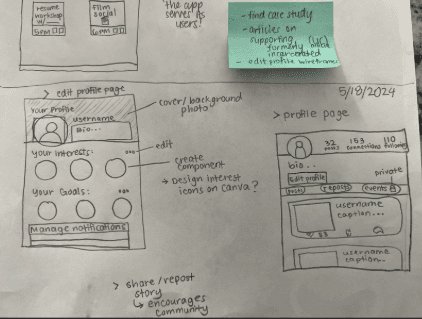
We mapped the reintegration journey, brainstormed concepts as a team, then narrowed to the moments where a single app could actually help: finding opportunities, showing up to events, and asking for guidance.
Sketching in low fidelity kept the debate on structure rather than styling before we moved into Figma.
05
Key decisions
- A warm, inviting colour palette so the experience feels welcoming rather than clinical
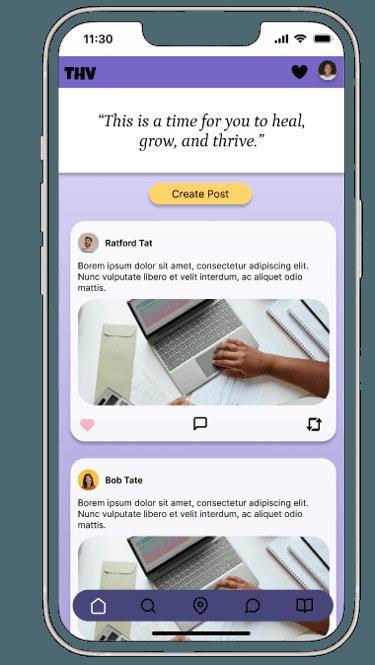
- A home screen with personalised motivational messaging to build momentum
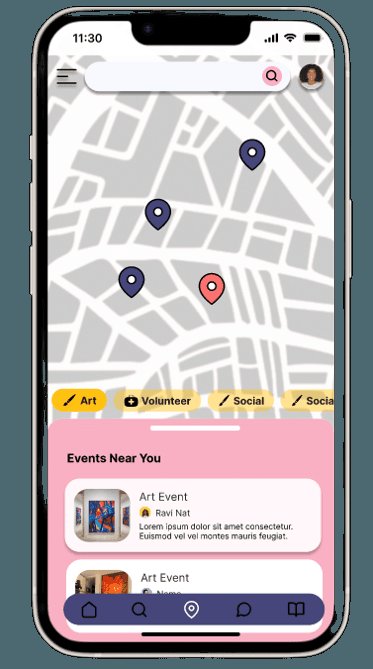
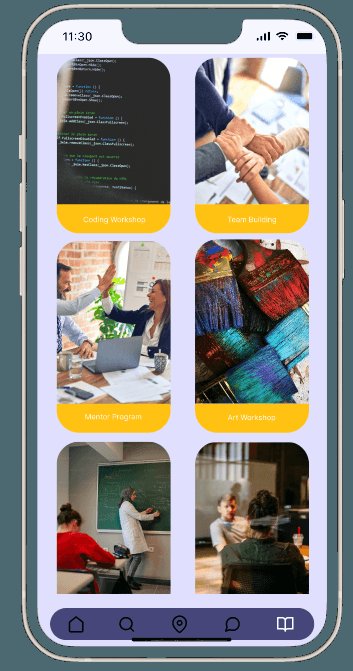
- Clear categories for events, career workshops, and community resources to simplify navigation
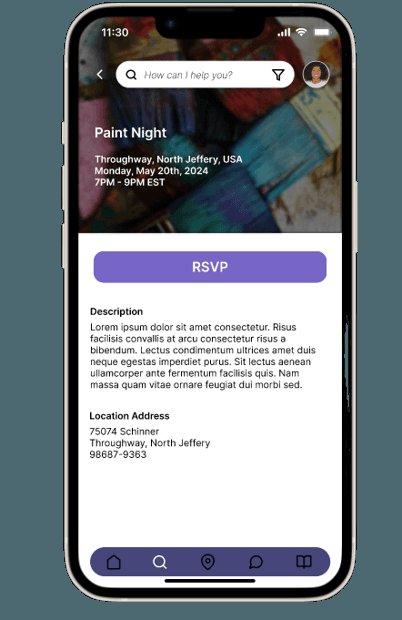
- Real-time maps and location-based discovery so events are easy to reach
- Profiles that highlight skills, goals, and progress rather than the past
- An AI-powered chatbot for private guidance that routes people to the right resource
06
The solution
Thrive Ventures brings job opportunities, housing assistance, community events, and guided support into one calm, encouraging app.
07
Reflection
Designing for a community facing systemic barriers pushed me to treat accessibility and emotional safety as core requirements, not polish. Feedback rounds changed the tone of the copy as much as the layout.
It reinforced a belief I carry into every project: technology designed with care can widen access instead of narrowing it.
Next · Featured case study
Skillogram→